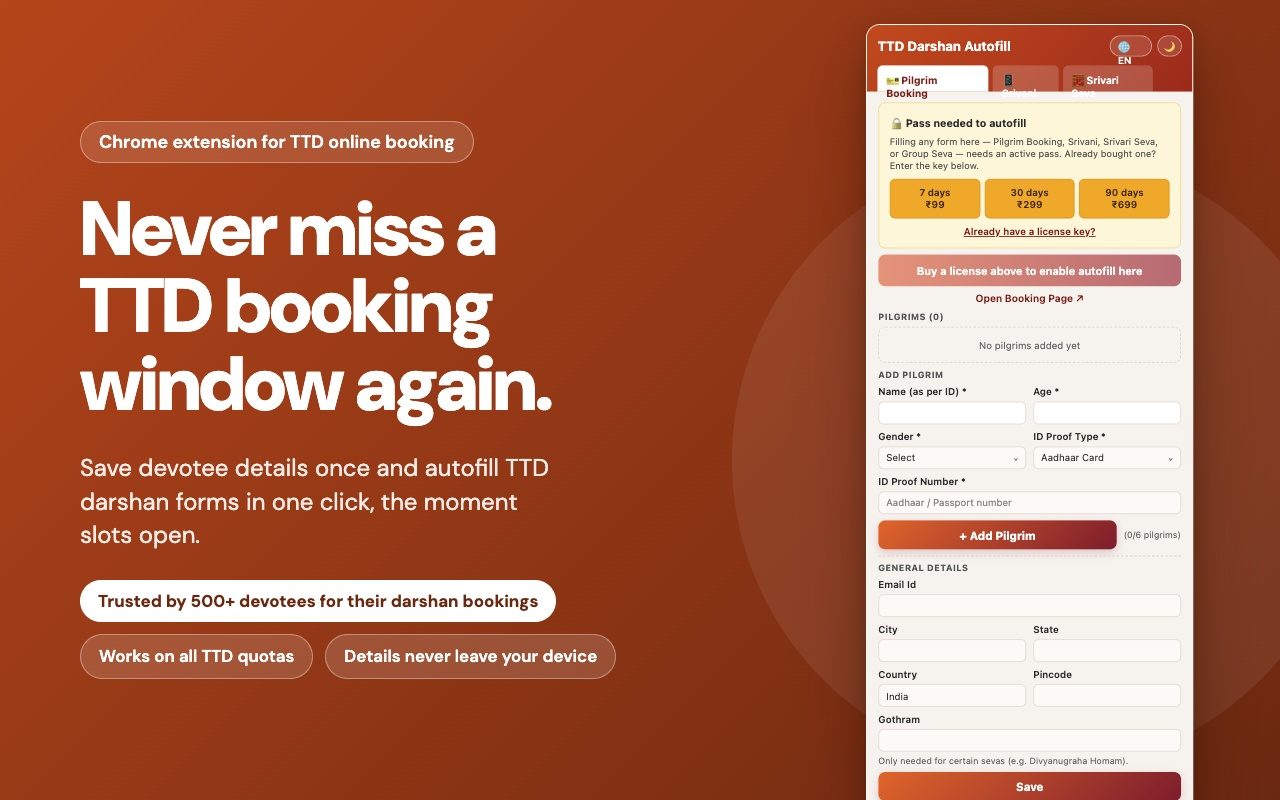
Tickets open months in advance and are usually gone within minutes. When a slot does open up, every second spent retyping names, ages, and ID numbers into TTD's forms is a second you don't have. TTD Darshan Quickfill keeps those details ready and helps you enter each one into the right box in seconds: with Quick Paste, or Type Assist where TTD has turned off paste. So you can focus on grabbing the slot before it's gone.
✓ Trusted by 1000+ devotees✓ Details never leave your device✓ Works on all TTD quotas
📱 You are on a phone. Quick Paste works in Chrome or Edge on a laptop or desktop. Send yourself the install link and open it on your computer before booking day.
TTD has confirmed February 2027 releases from 18 to 24 November 2026. Tap a quota to see its date and time.
TTD's booking site can hand out a hundred thousand darshan slots on a good day, and still run out in minutes on a busy one. The bottleneck usually isn't luck, it's how long it takes to type everyone's name, age, gender, ID proof, and ID number into the pilgrim details table before someone else's booking beats yours to it.
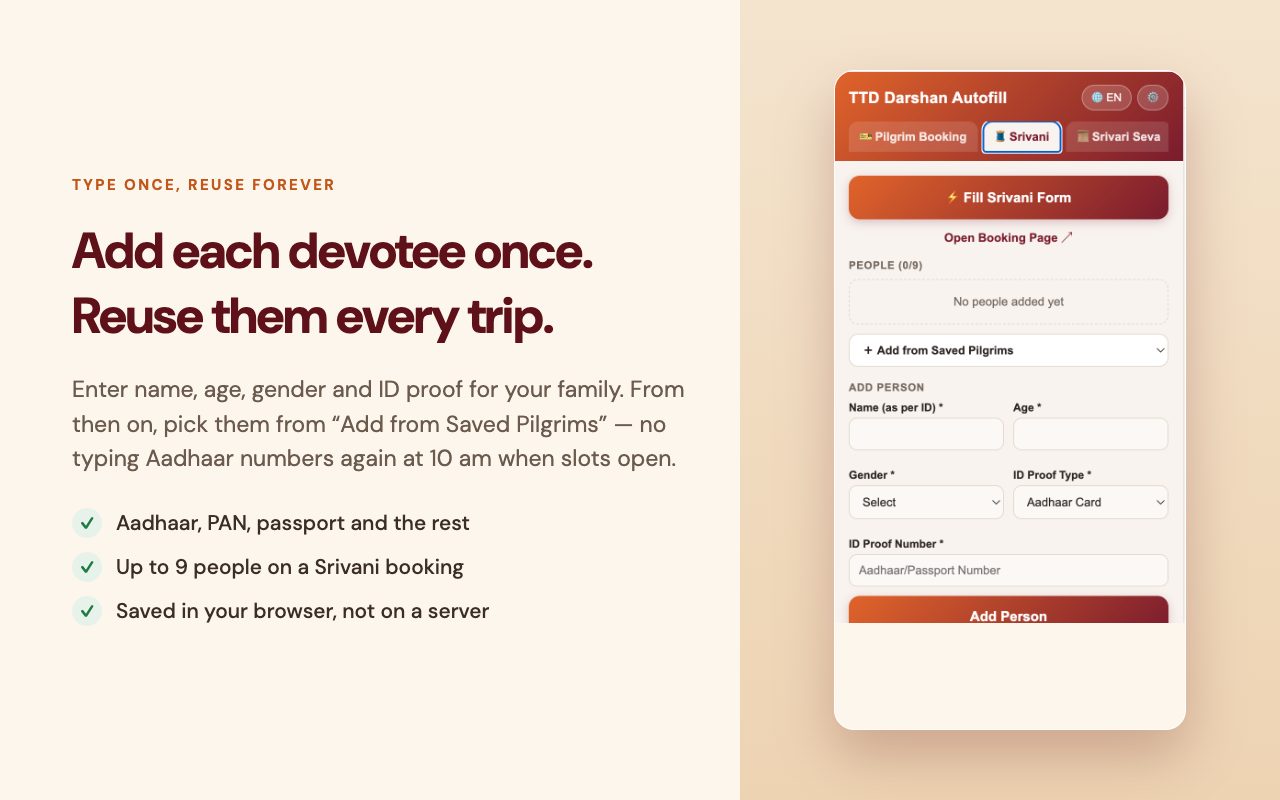
Enter each devotee's name, age, ID proof, and other details into the extension. This part is always free, no pass needed.
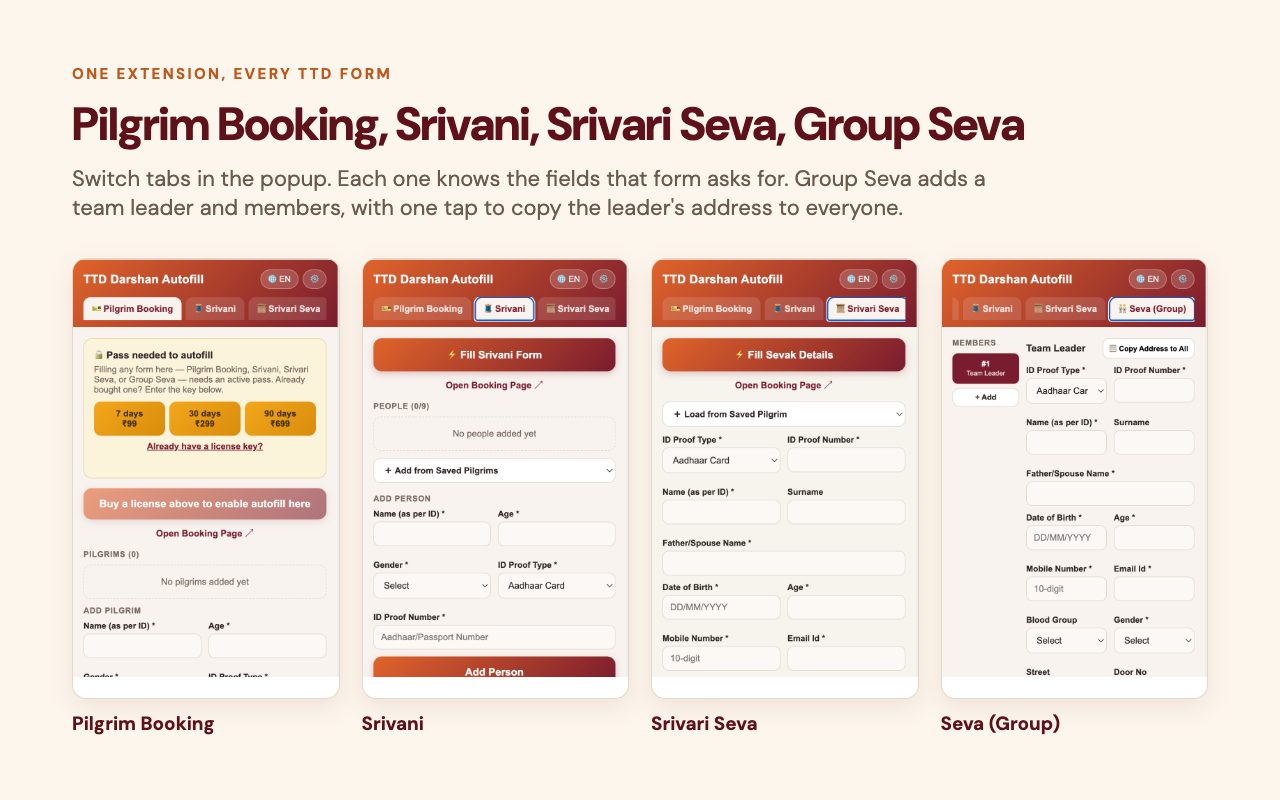
Whether it's ₹300 Special Entry Darshan, Srivani, Arjitha Seva, senior citizen darshan or Srivari Seva, the extension recognizes any TTD form that asks for pilgrim details.
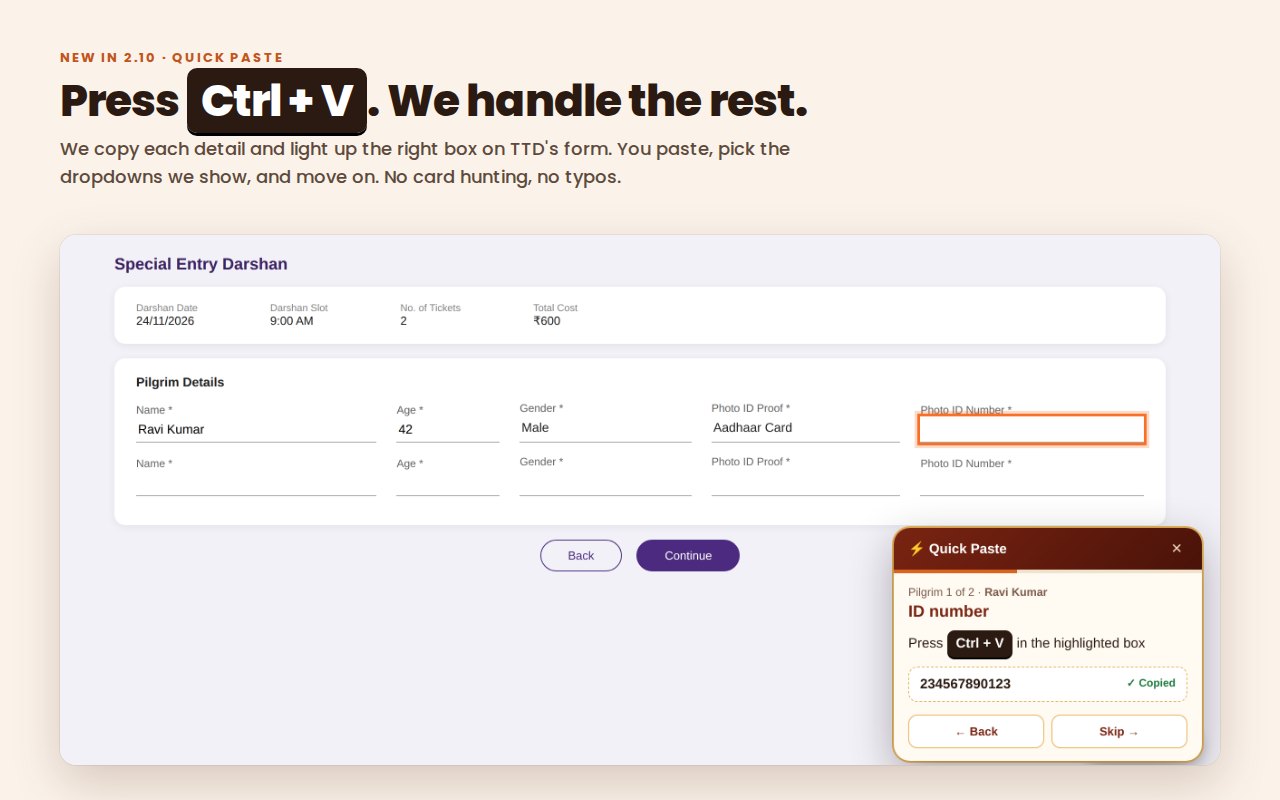
We copy each detail and light up the right box. You press Ctrl+V and pick the dropdowns we show. Where TTD has turned off paste (like Srivani), Type Assist shows each detail and checks it as you type. No hunting for Aadhaar cards, no typos.
Step-by-step Quick Paste guide →
Try both on the practice form →
A few honest, practical guides, based on how TTD's own booking system actually behaves.
Ticket types, quota release timing, and what "Special Entry Darshan" really means, explained plainly.
The math behind TTD's daily crowd, and why the booking window is shorter than most people expect.
The small errors that cost people their slot: mistyped IDs, wrong dates, tab-switching timeouts.
TTD Darshan Quickfill is an independent browser extension and is not affiliated with, endorsed by, or operated by Tirumala Tirupati Devasthanams (TTD). All booking happens directly on TTD's own official site. Formerly called TTD Darshan Autofill. Also searched as TTD auto fill, TTD autofill assistant and TTD Govinda autofill.